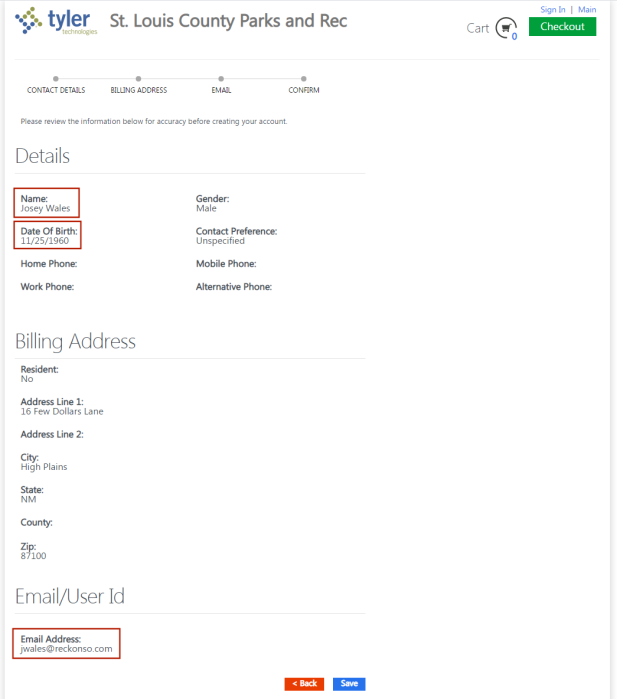
New Account
Citizen Portal > New Account
Once a citizen has activated an account using the New Account link at the top of the main portal page, the citizen may browse the available activity offerings. Clicking Details for an activity displays the Cart page, where the citizen may complete a class or rental registration, specify a team, and purchase available add-ons.
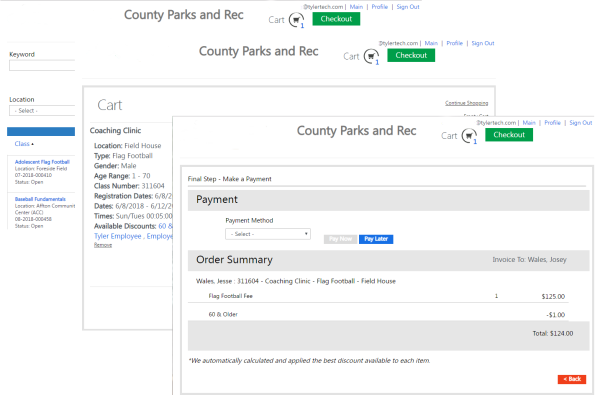
Available discounts are displayed on the respective class, rental and membership search lists and detail pages. If multiple discounts are eligible, the one with the greatest dollar amount is applied.
 Contact Auto-Merge
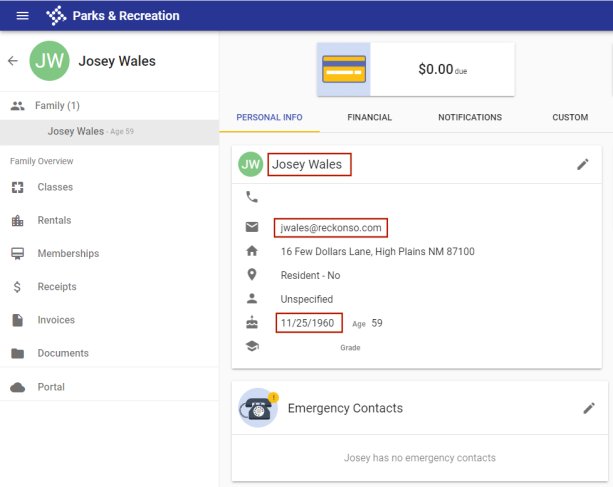
If an existing contact, created from the back office, does not have a citizen portal account, creating a contact from the portal with a matching name, email address and date of birth automatically merges the contacts.
The merge occurs only after the contact authenticates with a temporary password delivered to the email address provided.
Contact created from back office, no portal account:
Contact with same name, date of birth and email address created from portal: